



Slotuna App
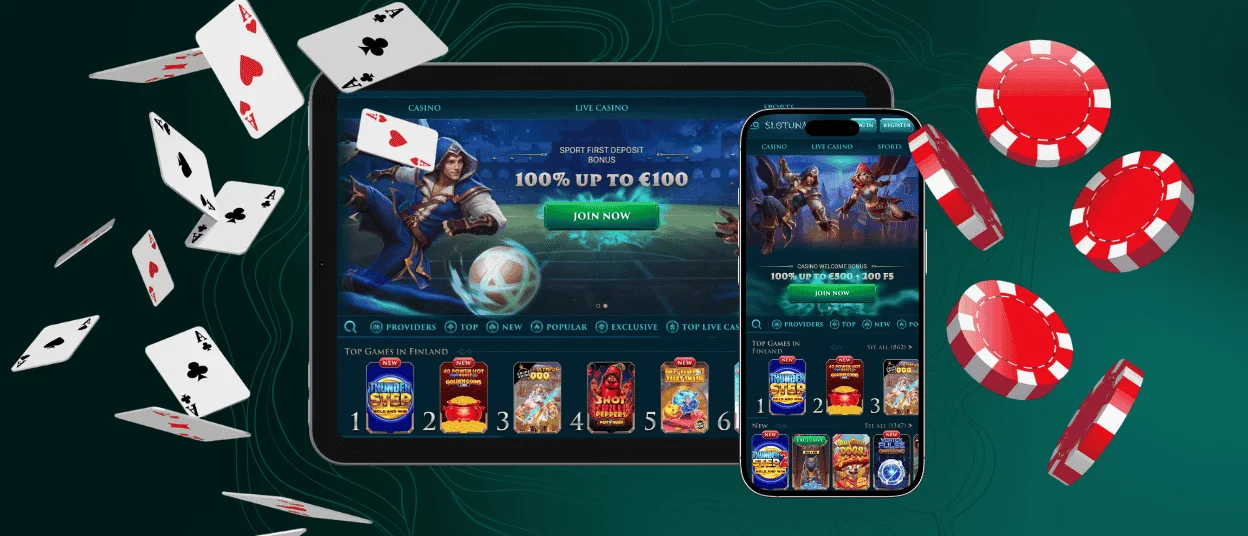
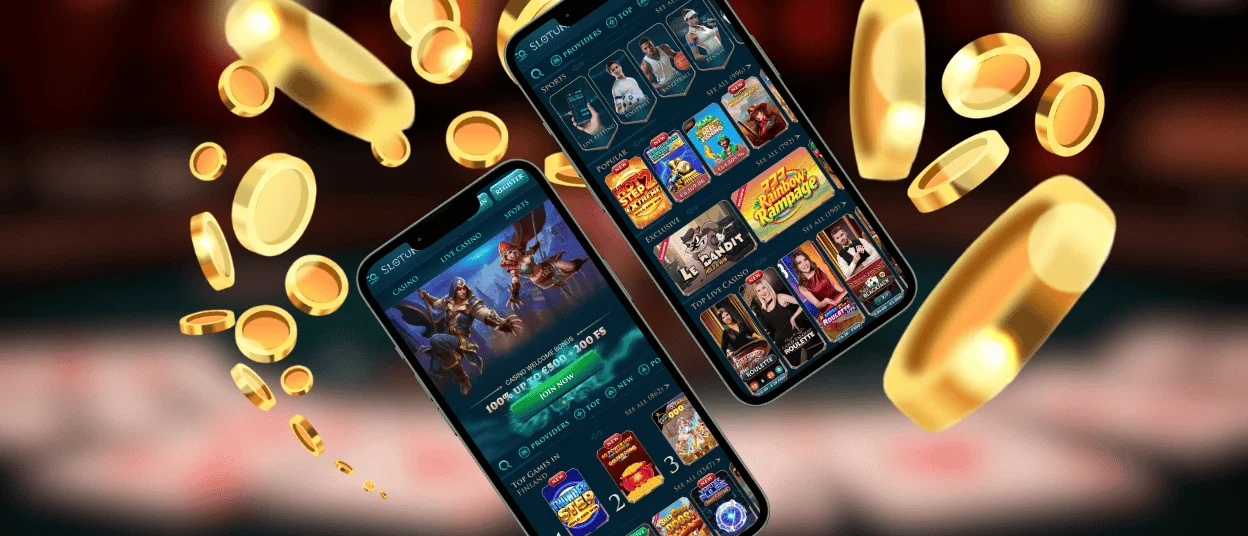
All platform users can access the Slotuna app and make mobile casino gaming more enjoyable. You don’t need to interact with third-party sources or app stores to do this. Simply pin our PWA to your device’s home screen and enjoy a host of new functions.
In addition to all the features from the browser version, you can also get new benefits such as native full-screen mode. With this setting, you can appreciate the intricate details of the top online slots from leading developers at Slotuna.



Key Features of the Slotuna App
If you want to access the Slotuna Casino app, a world of possibilities opens up for you. Thanks to PWA technology, using the platform on your mobile devices will consume less battery power. You can also say goodbye to the hassles of freeing up storage space and dealing with constant, cumbersome updates.
All you need to do is drag the icon to your home screen once, and all the latest content will load automatically. Small-screen optimization also helps you use the application with maximum comfort.
How to Use the Slotuna Casino Application
Users who have downloaded the Slotuna app will find many ways to use it. We’ve highlighted the key features you can use while playing in the application:
| Situation | How the App Helps |
| Long commute or road trip | Turn boring travel time into fun. Just grab your phone and spin a few rounds while someone else drives. |
| Short break at work or home | If you find yourself with some free time, you can quickly enjoy playing titles in sections like crash games, where the intensity of the gameplay is sure to satisfy you. |
| Bonus notification pops up | You don’t have to rush to your computer if you receive a great deal or just want to play a game. All you have to do is open the app with just a couple of clicks. |
| Too lazy to get up from bed | Sometimes you’re too cozy and don’t feel like making any extra effort. In those cases, the portable version will always come to the rescue, and you won’t have to sacrifice comfort. |
Slotuna Casino App for Your Android Device
To launch Slotuna on your Android tablet or smartphone, follow a few simple steps. You don’t need to go to the Play Store and download anything. Just open our website in any supported browser and find the menu button.
After you tap it, look for the “Add to Home Screen” button and name the application. Once you confirm, an app icon will appear on your device’s screen. After that, complete a quick sign-in to enjoy all the benefits the site has to offer. You can also visit your personal profile and customize your gaming experience to suit your preferences
Slotuna Casino Application for Your iOS Device
If you want to launch the Slotuna app on your iPad or iPhone, the process is essentially the same as described above. Simply follow the instructions below:
- Open the website in a supported browser
- Tap the Share button
- Find the “Add to Home Screen” option
- Enter a name for the application and confirm the action
Once you have done everything correctly, the icon will appear next to the others shortly. If you have any trouble, you can contact our support team. You can do this via live chat, which is available 24/7, or by emailing us.
Slotuna App on Windows and macOS
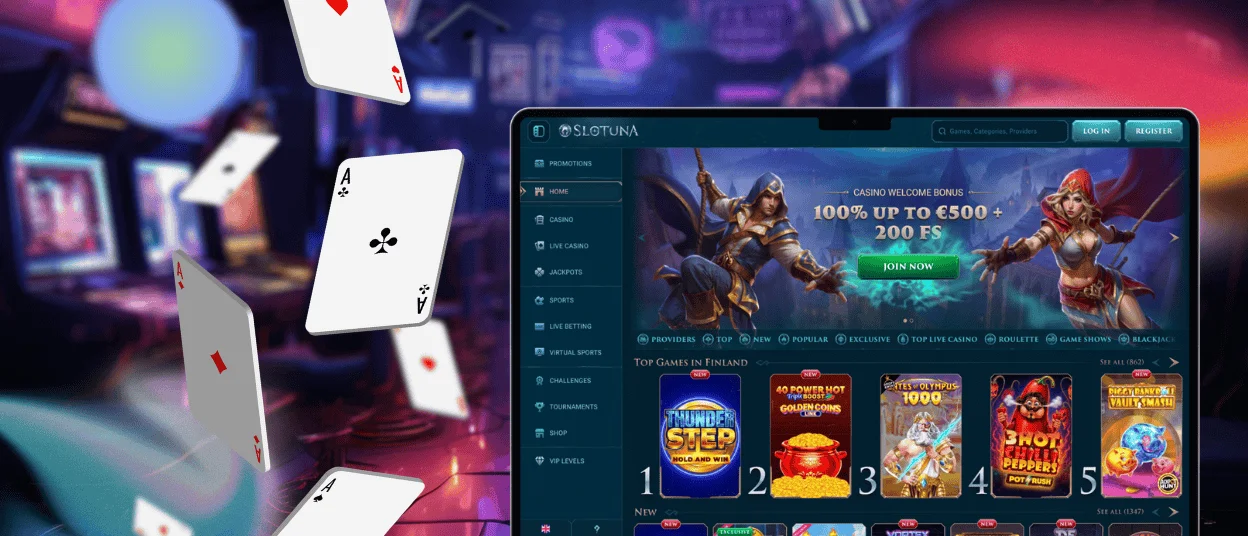
You can also run the Slotuna Casino application on your personal computer. Just like on mobile devices, you’ll have access to a host of new features. For example, we’ve optimized loading times. Plus, with the icon on your desktop, you don’t have to waste time typing in the URL or opening a browser. Just a few clicks, and you’re already in the game.
To access the PWA, visit our official website and go to the address bar. There you’ll find a button; click it, confirm the action, and the app will appear on your screen in a couple of seconds.
Security and Account Protection in the Slotuna Casino App
We use only the latest technology to protect your data while you play at Slotuna Casino. The mobile application is no exception and uses the same security measures as the browser version. For example, we conduct regular stress tests to protect against DDoS attacks. For financial transactions, we use PCI DSS compliant payment processing.
It is possible to take steps to secure your device against fraudsters. Avoid public Wi-Fi networks, as hackers can often access them. You can also enable two-factor authentication in your settings to further reduce the risk of fraudsters compromising your data.
FAQ
Do I need to download the Slotuna app?
You don’t need to install anything to access the application. Only place a shortcut on your desktop that won’t take up any space on your device.
Can I make deposits and withdrawals on mobile?
You can perform any financial transactions within the Slotuna app. You can deposit any time, but to withdraw funds, you must first complete the verification process. It’s even more convenient to do these tasks in the application, since you can upload photos of documents proving your address and identity directly from your device.
Are bonuses and tournaments available on mobile?
Bonuses and tournaments are fully available within the Slotuna Casino application. You can also easily switch between devices. For example, if you start wagering a bonus on your PC, you can easily continue on your mobile device.


